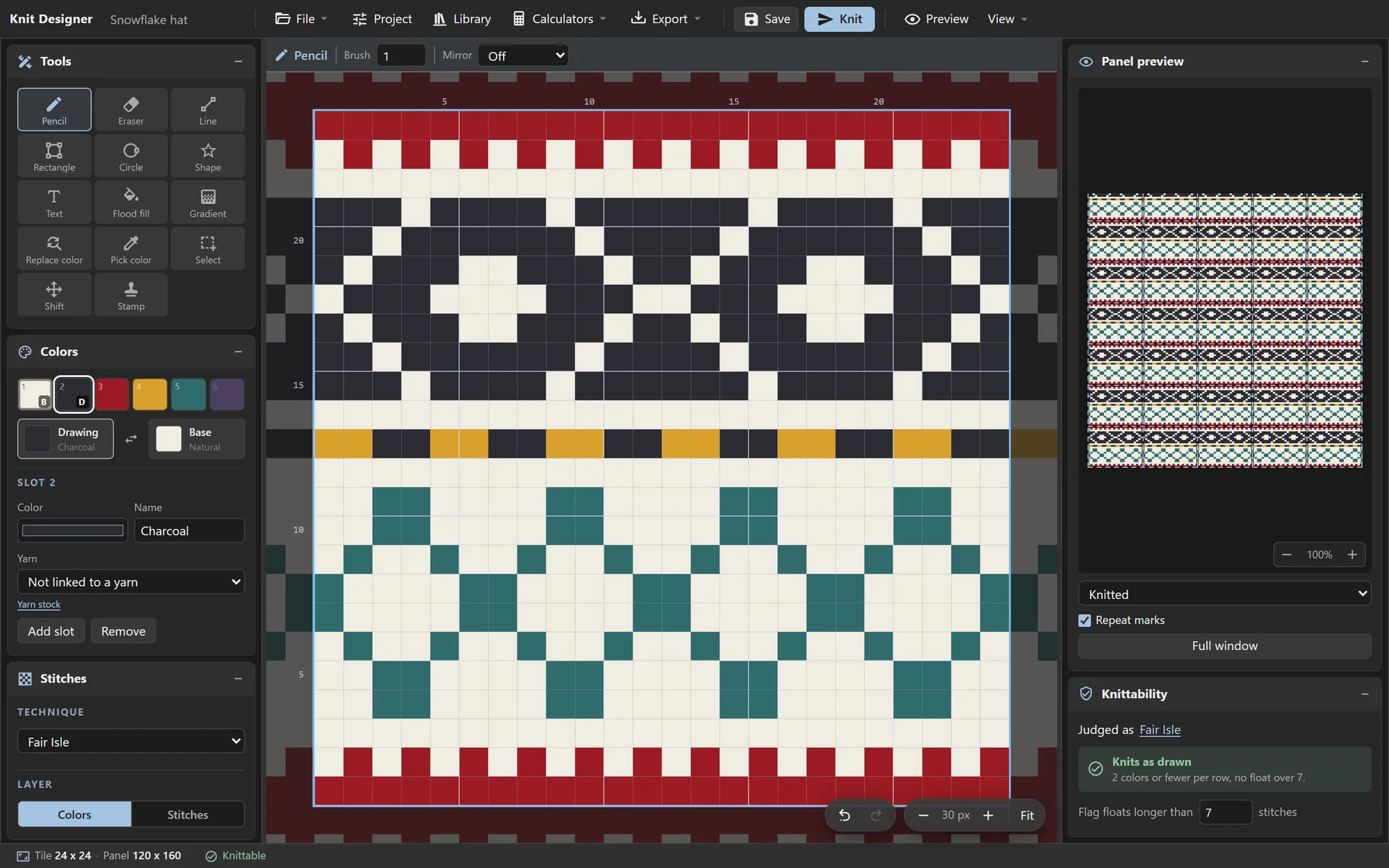
You can use the designer here online or install it locally with the options below.
Use it online
Nothing to set up.
Open the site and start drawing. Any browser can design; knitting needs Chrome or Edge (or Firefox 151+), which can talk to USB.
Designs are saved in your browser, not on our server. Use Back up library in the File menu to keep a copy elsewhere.
Open TinkrkniT
Install as an app (PWA)
Progressive Web App
- Chrome or Edge: open the site, then click the install icon at the right of the address bar, or File › Install TinkrkniT.
- Safari on a Mac (macOS 14+): File › Add to Dock.
Once installed in Chrome or Edge, double-clicking a .knitproj file opens it in TinkrkniT. It updates itself next time it opens with a connection.
Run it with Docker
A little more involved.
Coming soon
You'll be able to run TinkrkniT yourself with Docker, and keep your designs on your own machine. The setup steps will be here once the source is published.
Until then, use it online or install it as an app.